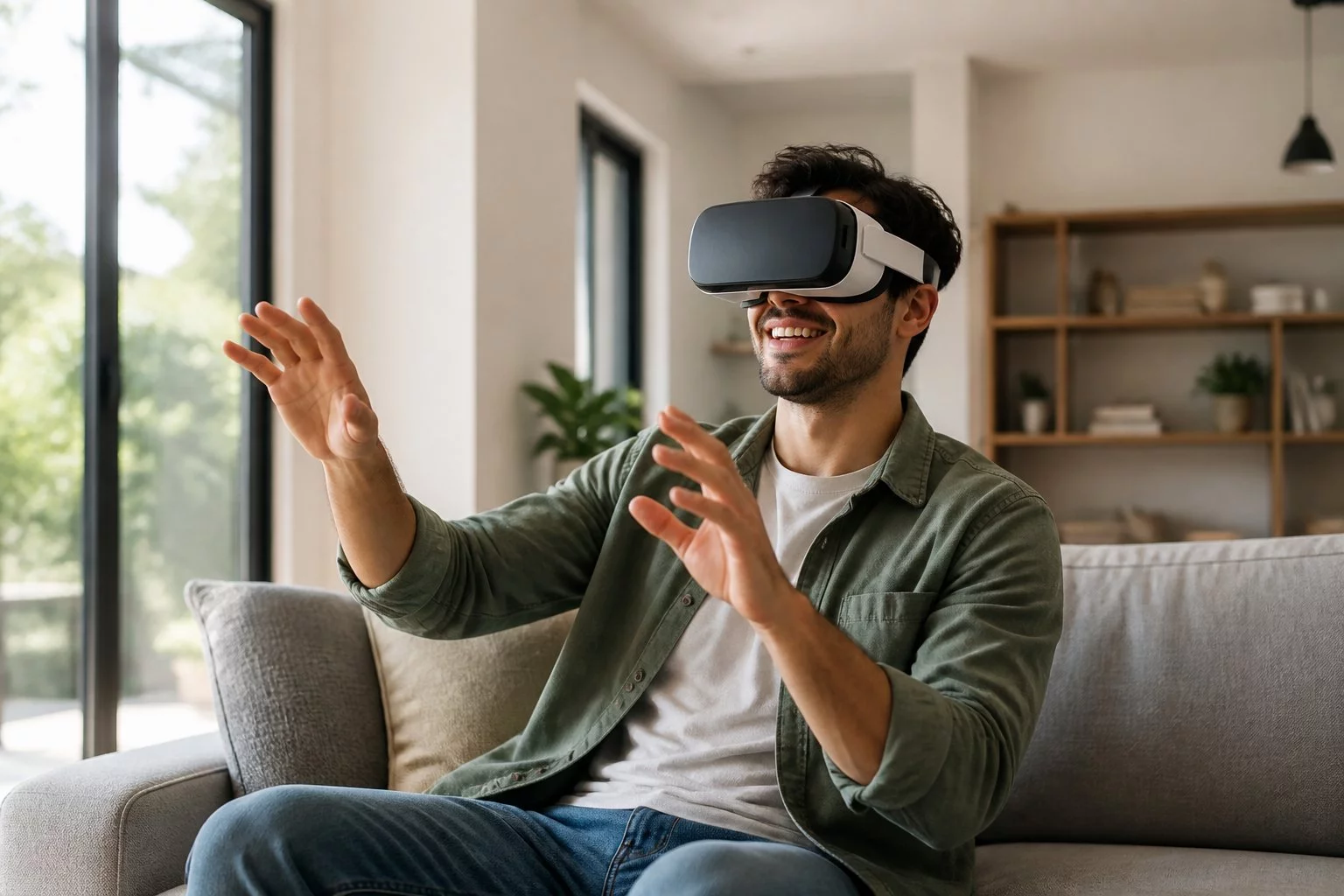
What Is Virtual Reality? Find Out How To Enjoy a Reality Show in VR
What Is Virtual Reality? Find Out How To Enjoy a Reality Show in VR Virtual…
What Is Virtual Reality? How VR Works and Live VR Shows
Virtual reality (VR) is technology that creates the experience of being inside a computer-generated or immersive video environment, usually through a headset that responds to your movements. Instead of viewing a scene only on a conventional screen, you can look around as though you are positioned within it.
VR works by combining headset displays, motion tracking, specialised software and compatible content. Some experiences also provide stereoscopic 3D, spatial audio and positional tracking to strengthen the feeling of presence.
Virtual reality is used in gaming, education, professional training, simulation and entertainment. It can also be used to watch compatible live adult webcam broadcasts, although a live stream is not automatically immersive VR.
This guide explains what virtual reality means, how VR headsets work, the difference between VR and mixed reality, and how immersive video applies to live webcam shows.
VRStrip.Cam is an independent adult webcam affiliate directory intended for visitors aged 18 and over. We link visitors to broadcasts hosted by third-party streaming platforms rather than operating our own streaming service.
What Is Virtual Reality in Simple Terms?
Virtual reality is a technology that makes a person feel present within a simulated or immersive environment beyond the physical room around them.
In a typical headset experience, the display changes as you turn your head. Looking left, right, up or down reveals a corresponding part of the virtual scene.
That responsiveness is one reason VR can feel more immersive than watching a flat video on a television or computer monitor.
Some VR experiences are fully computer-generated, while others present panoramic footage captured in real locations.
Does Virtual Reality Have to Be Computer-Generated?
No. Many VR applications use computer-generated environments, but immersive video can also be captured with specialised cameras.
For example, a compatible VR180 or VR360 video may let a headset wearer look around footage recorded in a real environment.
However, immersive video generally offers less freedom of movement than an interactive computer-generated virtual world.
What Is an Example of Virtual Reality?
Examples include exploring a simulated environment in a VR game, practising a task in a training simulator, visiting a virtual architectural model or watching panoramic video through a compatible headset.
Each example uses immersive presentation, but the level of interaction and movement can differ considerably.
How Does Virtual Reality Work?
Virtual reality combines visual presentation, motion tracking and software to update the user's view as they move.
The experience depends on several connected technologies.
1. Headset Displays and Lenses
A VR headset positions displays or optical systems in front of the user's eyes.
Lenses help present the displayed images at a comfortable apparent viewing distance and across a relatively wide field of view.
Display resolution, refresh rate and optical design can affect image clarity and comfort.
2. Head Tracking
Head tracking measures changes in the user's orientation and, on supported devices, position.
When you turn your head, VR software updates the displayed viewpoint so the scene appears to remain around you.
Responsive tracking is important because noticeable delays between movement and visual updates can reduce comfort and immersion.
3. Stereoscopic 3D
Some VR content presents slightly different images to the left and right eyes.
These separate perspectives can create a perception of depth, similar to human binocular vision.
Not every immersive video is stereoscopic. A panoramic video can let you look around without providing separate eye perspectives.
4. Motion Sensors and Tracking Cameras
Many headsets use inertial sensors and camera-based systems to estimate orientation or movement.
The exact tracking technology depends on the headset.
Some devices also support hand tracking or controllers for interacting with virtual objects.
5. Software and Rendering
VR software interprets tracking information and displays the appropriate viewpoint.
In computer-generated environments, software can render the scene from a changing position.
For immersive video, the player must understand the source format, such as VR180, VR360 or stereoscopic video.
A conventional video player cannot automatically transform ordinary webcam footage into genuine immersive VR.
What Is the Difference Between 3DoF and 6DoF VR?
VR headsets and experiences can support different degrees of freedom, often abbreviated to DoF.
| Tracking Type | What It Tracks | Typical Experience |
|---|---|---|
| 3DoF | Head rotation: looking left or right, up or down, and tilting | Looking around from a fixed viewpoint |
| 6DoF | Head rotation plus positional movement: left or right, up or down, forwards or backwards | Changing your viewpoint as you physically move through a supported virtual environment |
Can You Walk Around Inside a VR Video?
Usually not in the same way you can move around a computer-generated VR world.
Conventional VR180 and VR360 video is normally captured from a particular camera position. You can change your viewing direction, but you cannot freely move through the recorded scene.
Even if your headset supports 6DoF tracking, the video itself may only provide a fixed-position viewpoint.
More advanced volumetric or spatial video formats can support additional movement-related capabilities, but those should not be assumed for ordinary live webcam broadcasts.
Virtual Reality vs Augmented Reality vs Mixed Reality
VR, augmented reality and mixed reality are related immersive technologies, but they describe different ways of presenting digital content.
| Technology | What It Does | Example |
|---|---|---|
| Virtual reality (VR) | Immerses the viewer in a virtual or immersive video environment | Exploring a simulated world through a headset |
| Augmented reality (AR) | Adds digital information or objects to a view of the physical world | Digital directions or labels overlaid on real surroundings |
| Mixed reality (MR) | Combines digital elements with the physical environment, often allowing spatial interaction | Virtual objects positioned within a real room |
| Conventional stereoscopic 3D | Creates visual depth without necessarily surrounding the viewer | A 3D film displayed on a compatible screen |
Some modern headsets support multiple modes, including fully immersive VR and mixed-reality experiences.
The available features depend on the hardware and application.
Is Mixed Reality the Same as Virtual Reality?
No. VR typically replaces the viewer's surrounding visual environment with immersive content.
Mixed reality combines digital content with the physical environment, often using cameras or other sensing systems to position virtual objects in relation to real-world surfaces.
Both technologies may use headsets, but they provide different experiences.
What Is the Difference Between 2D, VR180 and VR360 Video?
Video format is particularly important when deciding whether content offers genuine immersive viewing.
| Video Format | Viewing Experience | Stereoscopic Depth |
|---|---|---|
| Standard 2D video | Flat image displayed on a conventional screen | No |
| 2D video in a headset | Flat video window displayed inside a virtual environment | Not in the video itself |
| VR180 | Panoramic footage covering approximately the forward hemisphere | Optional, depending on capture format |
| VR360 | Panoramic footage surrounding the camera's viewpoint | Optional, depending on capture format |
| Stereoscopic VR video | Separate images for each eye to provide visual depth | Yes, when correctly captured and displayed |
Is 360-Degree Video Always 3D?
No. A 360-degree video can surround the viewer without creating stereoscopic depth.
Panoramic coverage and stereoscopic depth are separate properties. A video can provide one without the other.
Does Watching a Video in a VR Headset Make It Virtual Reality?
Not necessarily. A headset can display ordinary 2D video on a virtual screen, but the source footage remains flat.
Immersive VR video requires compatible panoramic or other immersive content and suitable playback software.
What Is the Difference Between VR180 and VR360?
VR180 covers approximately the forward-facing half of a surrounding scene, while VR360 provides a panoramic view around the camera.
Neither format automatically guarantees stereoscopic depth or positional movement.
Why Does Virtual Reality Feel Real?
VR can create a sense of presence: the impression that you are located within the displayed environment rather than simply observing it from outside.
Several technical and perceptual factors contribute to this effect.
- Head-directed viewing: The scene changes naturally when you look around.
- Wide visual coverage: Immersive content can occupy much of your field of view.
- Stereoscopic depth: Compatible content provides separate perspectives for each eye.
- Spatial audio: Some experiences position sounds within a three-dimensional sound field.
- Low-latency tracking: Responsive visual updates help the scene follow your movements.
- Consistent perspective: Appropriate image geometry helps the environment appear spatially coherent.
Not every VR experience provides all these features, and individual responses to immersion vary.
What Is the Difference Between Immersion and Presence?
Immersion often describes the technical qualities of an experience, such as wide visual coverage, responsive tracking and stereoscopic presentation.
Presence describes the subjective feeling of being inside the displayed environment.
A technically immersive system can encourage presence, but the effect depends on both the content and the viewer.
What Is a Reality Show in VR?
A reality show in VR can describe a real-world or unscripted broadcast presented through immersive video technology.
Unlike a fully computer-generated virtual world, immersive video may show actual people and locations captured by cameras.
For adult webcam platforms, this can mean watching a live performer broadcasting from a real environment through a compatible VR headset.
However, the term "live" describes when the broadcast happens, while "VR" describes the viewing technology.
A conventional live webcam stream does not become immersive simply because it can be opened inside a headset.
How Is a Live VR Cam Show Different From a VR Game?
In a VR game, the environment is often computer-generated and may respond to movement, controllers or other inputs.
In a live VR webcam show, the environment may be captured through real-world video equipment.
Viewers may be able to look around a compatible panoramic stream, but generally cannot move freely through the performer's physical environment.
Communication and interactive features depend on the hosting platform and the performer's current choices.
How Live VR Webcam Shows Work
Live adult webcam platforms allow performers to broadcast video in real time.
Depending on the service, viewers may be able to watch public broadcasts, participate in text chat or use optional interactive features.
Some broadcasts also support compatible immersive VR viewing.
Live Video and Audio
The performer broadcasts from their own streaming setup, while the hosting platform delivers the stream to viewers.
The video format depends on the equipment and streaming service.
Public Text Chat
Many adult webcam platforms include a public text-chat panel alongside the broadcast.
Registration or other access requirements may apply before viewers can participate.
Tips and Room Goals
Some performers offer optional tip menus or room goals.
Available interactions, prices and platform rules vary, and performers retain control over their boundaries.
Private Sessions
Some performers offer paid private sessions with different access or communication options.
Private does not necessarily mean exclusive. Certain platforms permit spectator viewing during particular session formats.
Learn more in our private VR shows guide.
VR Compatibility
Some platforms identify broadcasts with VR indicators or labels.
A VR badge does not independently guarantee 360-degree footage, stereoscopic depth or compatibility with every headset.
Browse our VR cam listings to discover rooms identified as VR-compatible.
Do You Need a VR Headset to Watch Live Cam Shows?
No. Many adult webcam platforms support conventional video viewing on phones, tablets and computers.
A compatible headset is needed for the intended immersive headset experience, but ordinary webcam viewing does not require one.
Watching on a Phone or Computer
Standard browsers can display conventional live webcam broadcasts.
Some panoramic video formats may also be explored through compatible non-headset software, although this differs from an immersive headset experience.
Read our mobile viewing guide for more information.
Watching on Meta Quest 3
Meta Quest 3 is a standalone headset that supports immersive VR and mixed-reality experiences.
Compatible live webcam services may be accessible through Meta Quest Browser or another supported viewing method.
Actual playback depends on the originating platform, browser and video format.
See our Quest 3 viewing guide for further information.
How Much Space Do You Need for VR?
Seated immersive video viewing generally requires less physical movement than room-scale VR gaming.
You still need a safe viewing area and should follow the headset manufacturer's boundary instructions.
For practical advice, read our VR setup at home guide.
Live VR Video vs Prerecorded VR Video
Immersive video can be broadcast live or recorded for later viewing.
Both formats may support panoramic or stereoscopic playback, but they offer different viewing experiences.
| Feature | Live VR Video | Prerecorded VR Video |
|---|---|---|
| Timing | Broadcast happens in real time | Video is recorded before viewing |
| Interaction | May include real-time chat or other supported features | No live interaction with the recorded performer |
| Playback control | Usually limited during the broadcast | Often supports pausing and seeking |
| Availability | Depends on current broadcasts | Depends on the available video library |
| Replay | Depends on provider recording and archive features | Usually available while access remains valid |
For a detailed comparison, read our live versus prerecorded VR porn guide.
Is Virtual Reality Safe and Comfortable to Use?
Many people use VR headsets comfortably, but individual responses vary.
Some users experience eyestrain, dizziness, nausea or discomfort during immersive viewing.
Follow the headset manufacturer's safety instructions and take breaks as needed.
Practical VR Comfort Tips
- Adjust the headset fit and lens position according to the manufacturer's instructions.
- Use a safe viewing area free from nearby obstacles.
- Remain aware of people and pets entering the space.
- Start with shorter sessions if you are unfamiliar with VR.
- Stop viewing if you experience discomfort.
- Use compatible video formats and supported playback software.
For adult webcam viewing, also respect performer boundaries and the hosting platform's privacy and content rules.
Read our community guidelines for further information.
Frequently Asked Questions About Virtual Reality
What Is Virtual Reality?
Virtual reality is technology that creates an immersive viewing or interactive experience, typically using a headset that responds to the user's movements.
How Does Virtual Reality Work?
VR combines headset displays, tracking sensors and software to present an environment that changes as the viewer moves or looks around.
What Is the Difference Between 3DoF and 6DoF VR?
3DoF tracks rotational movement, while 6DoF tracks rotation and position. The content must also support positional movement for the full effect.
What Is the Difference Between VR and Mixed Reality?
VR immerses the viewer in a virtual environment, while mixed reality combines digital elements with the surrounding physical world.
Does VR Always Use Computer-Generated Graphics?
No. VR can also present immersive video captured in real-world environments using compatible cameras.
Is 360-Degree Video the Same as Stereoscopic 3D?
No. 360-degree describes panoramic coverage, while stereoscopic 3D uses separate eye perspectives to create depth.
Can You Walk Around Inside a VR Video?
Conventional panoramic video usually allows you to change your viewing direction rather than move freely through the recorded environment.
What Is a Reality Show in VR?
It can describe a real-world or unscripted broadcast presented through immersive video technology. On adult webcam platforms, this may involve live performers and compatible VR video formats.
Are All Live Webcam Shows in Virtual Reality?
No. Many broadcasts use conventional 2D video. Immersive viewing requires compatible content and playback.
Do You Need a VR Headset to Watch Live Cam Shows?
No. Many webcam services work on phones and computers. A compatible headset is needed for immersive headset viewing.
Can Meta Quest 3 Play Live VR Webcam Streams?
Some compatible services may work through Meta Quest Browser or another supported playback method. Features vary by platform and video format.
Can You Replay a Live VR Show?
Replay availability depends on the hosting platform. VRStrip.Cam focuses on live-room discovery rather than maintaining its own recorded-video library.
Is Virtual Reality Only Used for Entertainment?
No. VR is also used in education, training, simulation, design and other applications.
Virtual Reality Explained: The Key Takeaway
Virtual reality combines specialised displays, tracking and software to create an immersive experience that responds to the viewer.
Some VR environments are computer-generated, while others use panoramic or stereoscopic footage captured in real locations.
Live VR webcam shows are one application of immersive video, but live streaming and virtual reality are separate characteristics.
To experience genuine immersive video, both the content and the viewing equipment must support the appropriate format.
VRStrip.Cam is an independent adult webcam affiliate directory intended for visitors aged 18 and over. We may earn commissions from qualifying referrals to third-party streaming platforms. We do not host broadcasts, independently verify performer profile information, process payments or guarantee particular VR formats or headset compatibility.
Ready to experience live VR cams?
Enter Live VRStrip.Cam Free