Virtual Reality Video Chat and Communication by Video and Audio
Virtual Reality Video Chat & Communication by Video and Audio
Key Takeaways
- Virtual Reality Video Chat replaces the flat grid of traditional video calls with a shared virtual room, restoring a genuine sense of presence.
- The Spatial Presence Gap describes the disconnect in 2D video feeds that strip out positional and directional cues, adding mental effort to every call.
- Spatial audio in VR reduces perceived listening effort by letting your brain locate voices directionally, much like a physical room.
- Hardware choices, standalone headsets versus PCVR, involve a real trade-off between convenience and control.
- Platform selection should match the meeting's purpose: social interaction and structured, document-centric work demand different tools.
- Effective avatar calibration and environment setup, built around clarity rather than novelty, are essential for productive VR meetings.
Why seeing a face no longer guarantees connection
When someone coughs to your left in a physical room, your brain locates them without thinking. Now picture a nine-person grid call where two people speak at once, you spend a full second scanning tiles just to figure out who's talking.
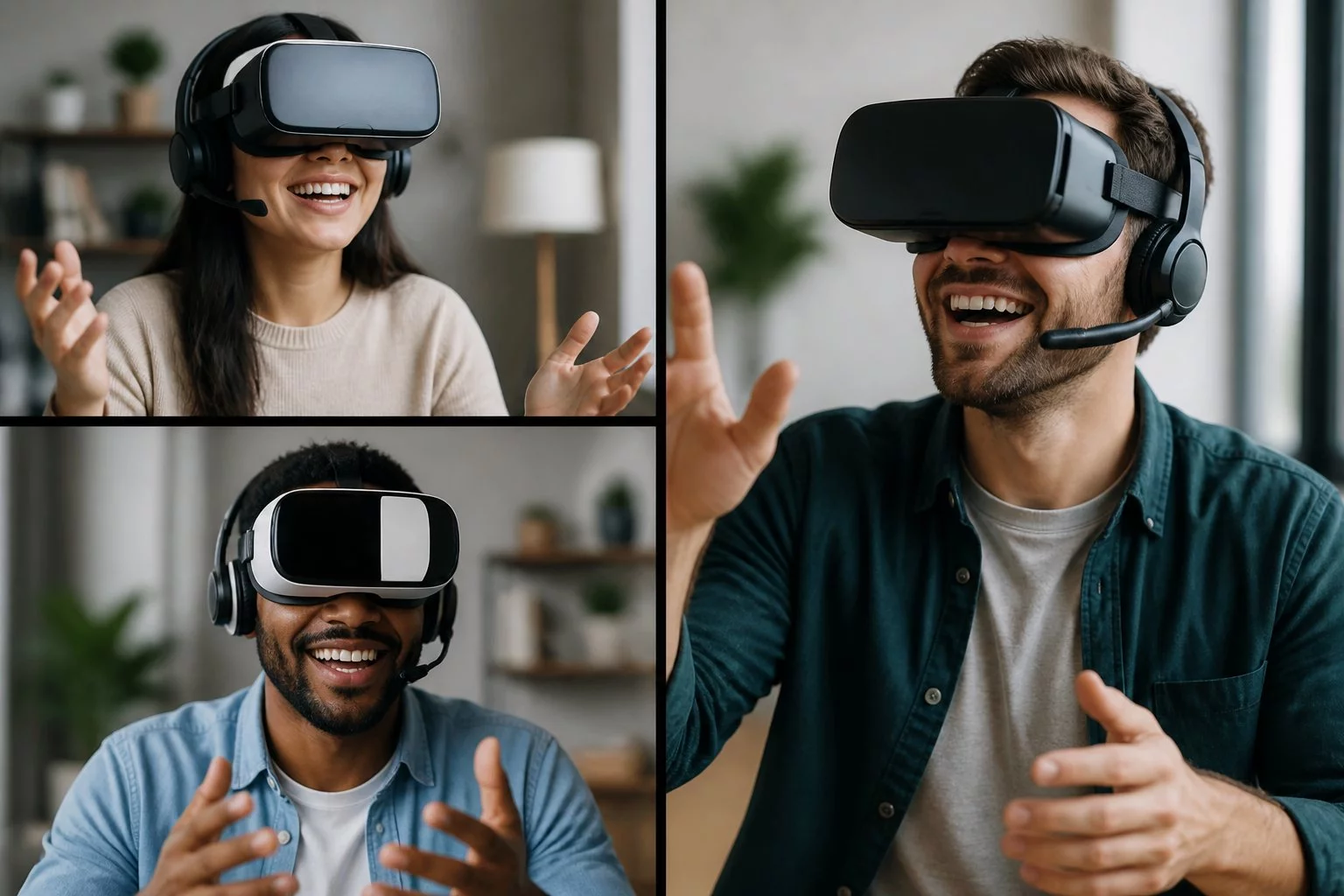
That moment of confusion has a real cost. Standard video calls strip out the positional and directional cues your brain relies on to follow a conversation naturally. The result is something many remote workers feel but struggle to name: a low-grade fatigue that accumulates across back-to-back calls, even short ones.
Flat video feeds give you a face. They don't give you a room.
Virtual Reality Video Chat addresses this directly. Instead of faces arranged on a screen, VR places everyone in a shared virtual space where voices arrive from the correct direction and spatial signals stay intact. Your brain processes the exchange the way it would in person, which is exactly why it tends to feel less draining.
Why VR meetings feel different from a standard video call, the short version
Virtual Reality Video Chat puts people inside a shared 3D environment where head-tracked spatial audio and positional avatars restore the directional cues missing from flat video grids. The result is lower attention cost and a stronger sense of presence than standard video and audio calls, your brain registers people occupying a space, not faces arranged on a screen.
The Spatial Presence Gap, the mechanism behind the difference
Think of the Spatial Presence Gap as the mental effort your brain spends compensating for what a flat video call cannot give it. In a real room, you instinctively know where someone is, which direction their voice is coming from, and when they are about to speak. A 2D video grid strips all of that out. Your brain fills in the blanks, and that constant guesswork is a significant part of why back-to-back video calls feel so draining.
Spatial audio closes much of that gap. When sound shifts as you turn your head, your brain locates voices the way it would in a physical room. That single change measurably reduces listening effort. You're not decoding who's speaking from a grid of tiles, you simply hear them, directionally, the way you would across a table.
Head-tracked spatial audio, stable seating positions, and a consistent virtual room work together as a presence anchor. A weekly six-person standup held in the same VR space builds that anchor surprisingly fast, even with simple, low-detail avatars. Modest visuals with reliable 3D audio consistently outperform high-fidelity graphics that lack spatial consistency: the brain tolerates lower visual detail far better than positional confusion.
Most people don't anticipate how significant that shift feels until they've sat through a full meeting inside it.
Hardware for VR meetings, standalone vs. PCVR trade-offs
The quality of positional and directional signals your headset delivers is what separates a genuine presence-building call from an expensive flat screen strapped to your face. The real trade-off is convenience versus control.
Standalone headsets like the Meta Quest 3 reduce setup friction and lower the barrier to adoption across a distributed team. PCVR setups, powered by a dedicated gaming PC with a tethered or wireless link, deliver lower latency and better peripheral audio support for sustained, high-stakes collaboration.
The practical rule: buy fewer comfortable headsets people will actually wear rather than more capable rigs that collect dust.
Several factors shape comfort across a real workday:
- Glasses fit and weight distributionkey to all-day wearability; a headset that pinches or front-loads weight becomes unwearable by the second meeting.
- Passthrough qualitylets someone glance at notes or a keyboard without removing the headset entirely, which is critical for desk-based work.
- Hand tracking vs. controllershand tracking produces more natural turn-taking gestures, but adds processing overhead; test it under your actual network conditions.
- Microphone placementbuilt-in mics work fine for casual sessions; an external mic delivers cleaner spatial audio separation when call quality is non-negotiable.
Accessibility deserves attention before you finalize hardware. Many headsets now offer comfort modes, higher refresh rates (90 Hz or above), and seated or stationary tracking that significantly reduce motion sickness risk. If your team includes anyone prone to vestibular discomfort, prioritize headsets with these settings enabled by default.
Before committing to a rollout, run simple field tests: battery life across a 30-minute session, microphone quality under ambient noise, and how easily someone can rejoin after removing the headset. For distributed teams, vendor support and volume pricing will matter more than headline specs. Unlike standard video calls, hardware choices in VR directly shape the spatial cues every participant receives, so comfort and consistency outrank raw specifications.
Platform selection for VR meetings, social vs. productivity
The platform you choose shapes how well positional signals translate into real meeting behavior. Pick the wrong one and even solid hardware will underperform.
Think of platforms as rooms. Social-first environments encourage proximity chat and natural conversation clusters that form and dissolve organically. Productivity-first rooms prioritize persistent documents, screen zones, and permissioned whiteboards. They serve very different meeting styles, and most teams choose poorly because they compare feature lists instead of watching how their actual meetings need to run.
The fastest way to decide is to run two short pilots and feel the difference directly:
- Social-first pilotlook for natural conversation clustering and proximity chat; ideal if your meetings depend on fluid, informal exchange.
- Productivity-first pilotlook for integrated document workflows, screen sharing, and structured whiteboard tools; the right call if structured collaboration drives most of your sessions.
On the enterprise side, check whether the platform supports single sign-on (SSO), calendar-based invite flows, and a smooth guest onboarding path. Pricing tiers vary considerably between social and productivity-focused products, so confirm licensing models before committing to a rollout. Platform choice shapes how meetings run faster than any headset decision will.
Avatar calibration and team etiquette
Avatars are proxies, not replacements. Accurate height, subtle blink behavior, and correct eye-line positioning preserve conversational trust far more reliably than detailed rendering. Overly stylized or hyper-realistic avatars in professional settings tend to distract, simplified human forms keep focus where it belongs, on the conversation.
Over-emoting with button-triggered animations is the most common early mistake. It produces cartoonish interaction that makes things feel less connected, not more.
Basic norms help from the start: mute when not speaking, use a gentle hand-raise for turn-taking, and avoid face or eye-tracking features unless everyone has explicitly consented. It's also worth clarifying who can record a session and what avatar tracking data is retained. Sorting mic consent and data permissions before a first meeting prevents awkward conversations later.
Build a short calibration ritual into every team's first session: set eye height, confirm microphone sensitivity, and agree on one shared gesture for turn-taking. That single step reduces early awkwardness and sets a professional tone before the actual meeting begins.
Environment setup, choosing the right shared space
Avoid novelty environments for serious work. Overly stylized rooms create distraction and undermine task focus. The brain needs consistent landmarks to map people and 3D audio across a session, rotating fantasy backdrops don't provide that.
Pick one default virtual room and keep it stable for a quarter. Changing rooms or seating arrangements resets people's spatial map and adds unnecessary cognitive load. Consistency is what lets the benefits accumulate over time.
Treat your recurring virtual space the way you'd treat a physical conference room: consistent seating, clear sightlines to shared screens, and a designated corner for side conversations. Predictable space reduces mental friction, and that advantage compounds with every session.
Starting out and scaling up
Start with a 15-minute low-stakes coffee chat on a free standalone app. The goal is comfort, not productivity. Pushing advanced workflows onto people who haven't found their footing yet will stall rollout entirely.
Spatial confidence typically builds after two or three short sessions, brief and frequent beats long and infrequent in the early phase. Stage capability by role: keep casual participants in social modes and give power users integrated desk tools so they can keep working without friction. That tiered approach prevents the platform from feeling overwhelming before people are ready for it.
The people who struggle most aren't usually the least technical. They're the ones trying to perfect every setting before inviting anyone else in. At some point you have to run the meeting and fix things afterward.
Practical phrases that smooth the transition
Inviting a skeptic: "Try a 15-minute VR coffee, no pressure, just to compare how it feels. If it's not better, we drop it after the test." Low-friction invitations surface real differences fast without making it feel like a commitment.
Correcting audio positioning mid-meeting: "I'm moving slightly to your left, do you still hear me clearly?" That clarifies spatial position without technical jargon.
For onboarding: "Before we start, set your headset to comfort mode, calibrate eye height, and I'll mute when I'm not speaking, keeps the space calm."
Turn-taking: "I'll pass to Sam on my right so we can keep the circle clear." Comfort check: "Quick comfort check, anyone need a pause before we continue?"
Frequently Asked Questions
What is the Spatial Presence Gap?
The Spatial Presence Gap is the disconnect that occurs when 2D video calls strip away the positional and directional cues our brains expect from in-person interaction. Without those cues, the brain works harder to fill in missing information, and that mental cost accumulates across a long day of calls, leaving you more drained than the conversation itself warrants.
How does Virtual Reality Video Chat improve on traditional video calls?
VR meetings replace the flat grid with a shared 3D space where voices and faces occupy real positions. Head-tracked spatial audio and stable avatar seating let the brain register genuine presence rather than constantly working out who is speaking and from where, which is a significant part of why standard video and audio calls feel draining over time.
What are the key considerations when choosing VR hardware for team collaboration?
Prioritize comfort and wearability over raw specs. For regular meetings, check how the headset fits over glasses, how weight distributes across longer sessions, and whether passthrough quality is good enough for glancing at notes. Test battery life and microphone clarity too. A headset people actually wear beats a more capable one that stays on a shelf.
Why does platform selection matter for VR meetings?
Different platforms are built around different meeting behaviors. Some favor open social interaction with proximity chat and fluid clusters; others favor structured work with persistent documents and permissioned whiteboards. Matching the platform to how your team actually meets produces better results than choosing based on feature lists alone.
How can teams ensure smooth adoption of VR for meetings?
Start with short, low-stakes sessions built around one clear goal. Calibrate avatars, agree on basic etiquette, and introduce more advanced features gradually as people grow comfortable. Spatial confidence typically builds after just a few short sessions, so don't rush the early phase.
Ready to experience live VR cams?
Enter Live VRStrip.Cam Free